
Cosmo App Information and Guide

COSMO : the Gate is a fan planning and creating an artist’s activities together. It is a digital platform that connects fans and artists. This application is exclusive for all of MODHAUS’s artists, which include tripleS, ARTMS and idntt.
(All descriptions below will use idntt as an example, except Grid function will include tripleS)
Cosmo Download Link:
iOS / Android
Home:
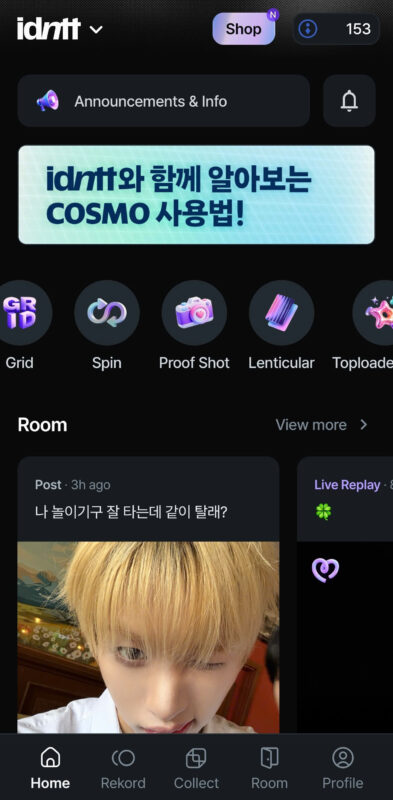
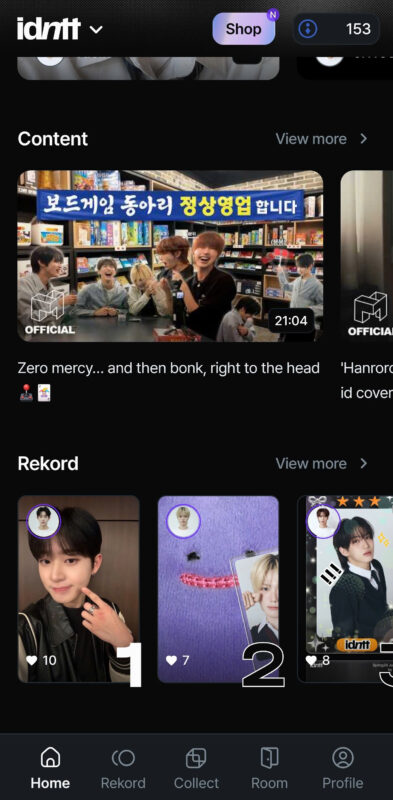
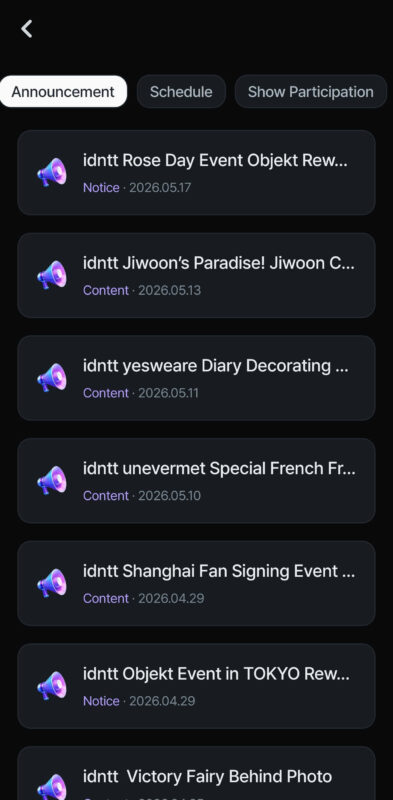
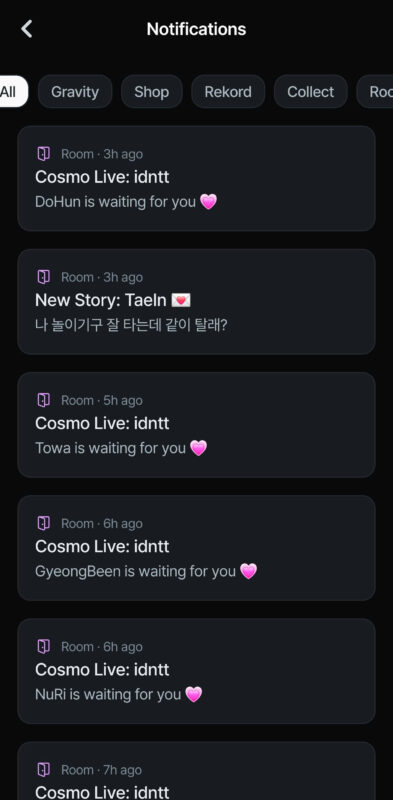
Home, Announcement & Notifications interface
Home is always the 1st tab when you open the app. There is button to switch artists between 3 groups. Beside that, Home looks like dashboard of Cosmo, there are some shortcut functions from Collect, Rekord and Room tab. Therefore, you can see all Announcement, Schedule & Show Participant when click the line with a speaker. You can see all Notifications as well at a bell icon, too. All the group’s Content video will be here, there is some Cosmo exclusive available content, too.
Rekord:
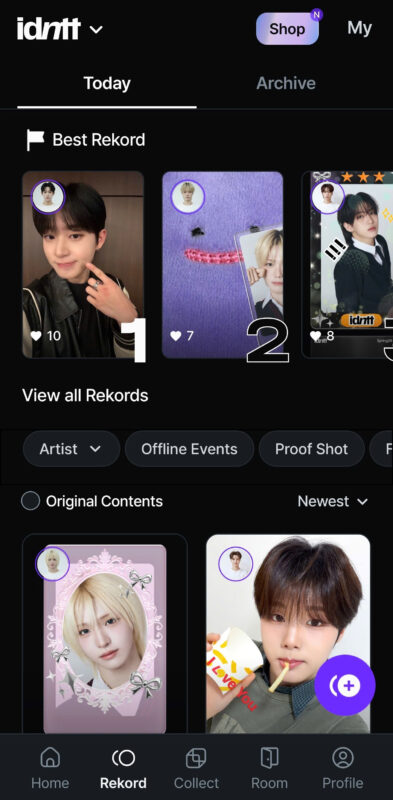
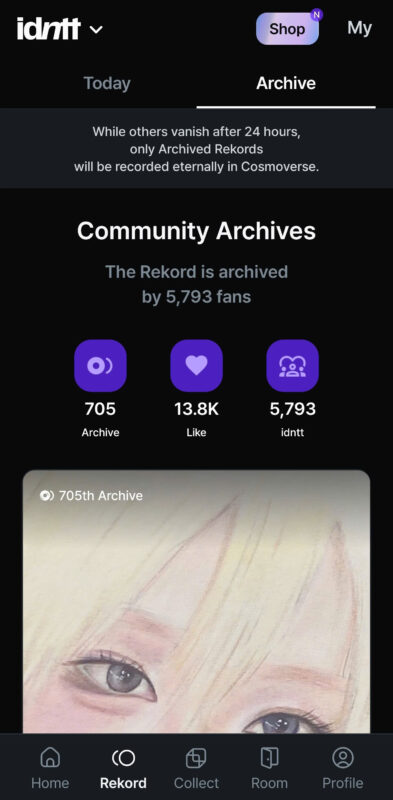
Rekord interface
Rekord is a place you can view and interact with all fans’ contents around the world. Rekord with the most heart will appear in Best Rekord. You can view all Rekords from one member, events, and some Cosmo exclusive fanmade photos. Beside that, you can archive your Rekords, they will last for more than 24 hours.
Collect:
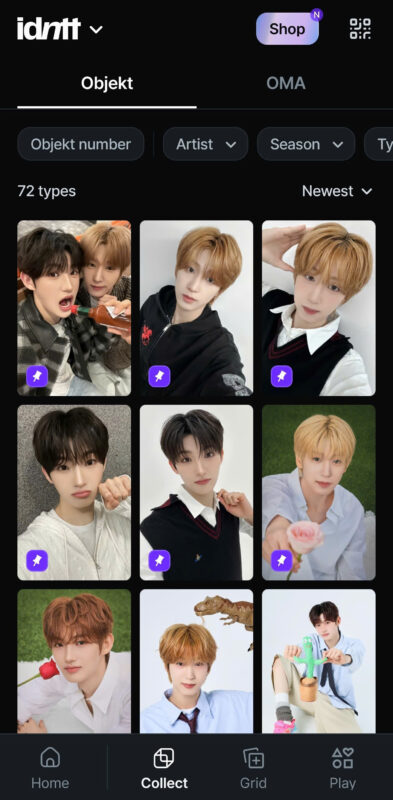
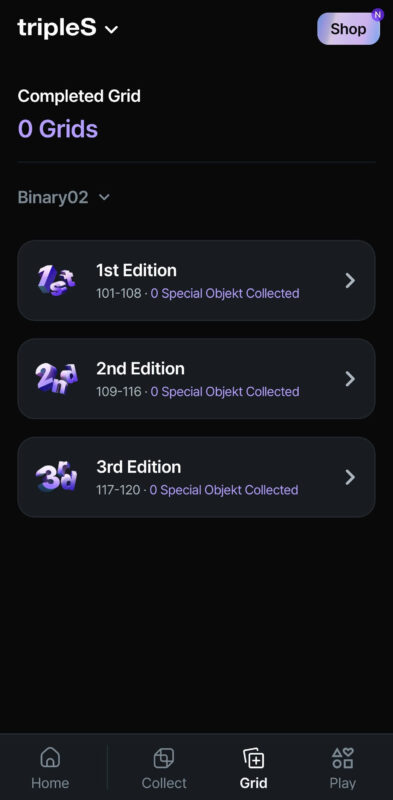
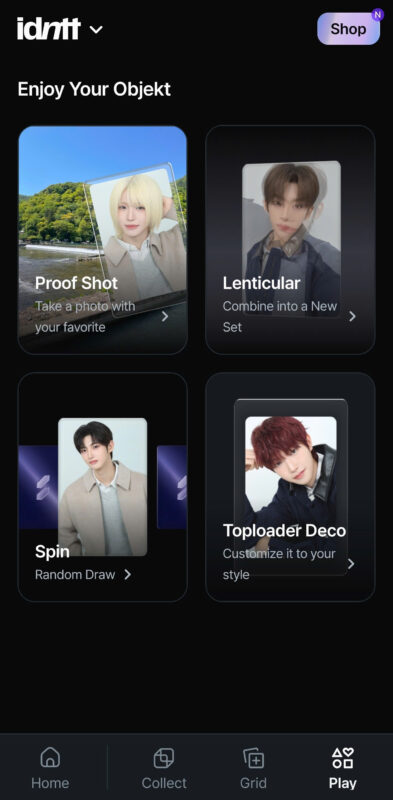
Collect, Grid & Play interface
Collect is the main and the most interesting function of Cosmo. You can view your own collection of Objekts here, you can choose member, season and type/class as well. In Grid sub-tab, you can grid BTO or FCO to get STO or SCO, STO to get UTO. Play sub-tab is exclusive function in Cosmo for MODHAUS’s artists that have Proof Shot, Lenticular, Spin and Toploader Deco.
Grid:
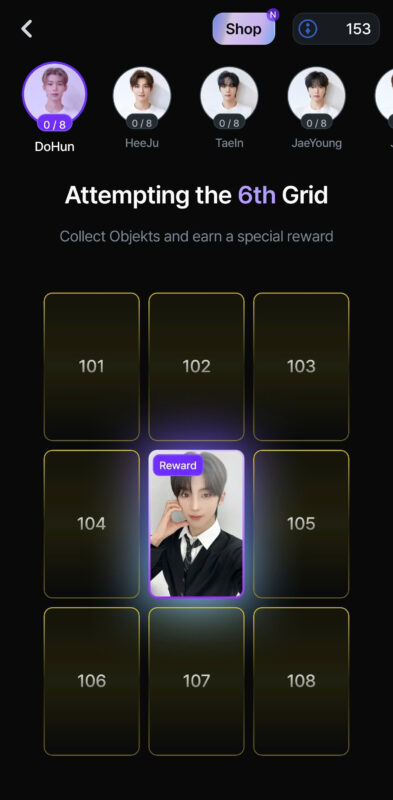
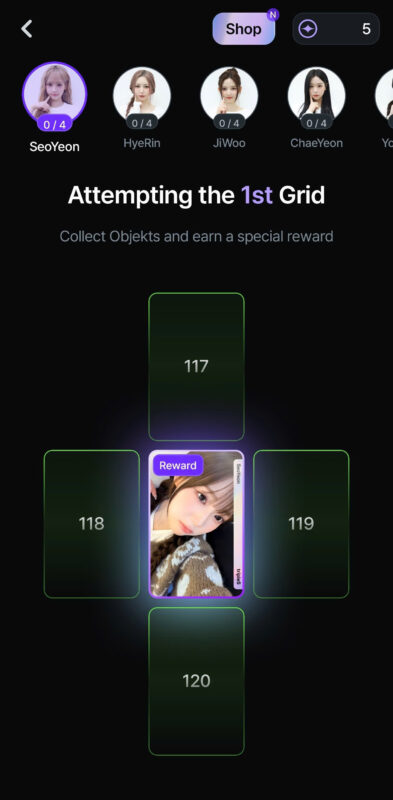
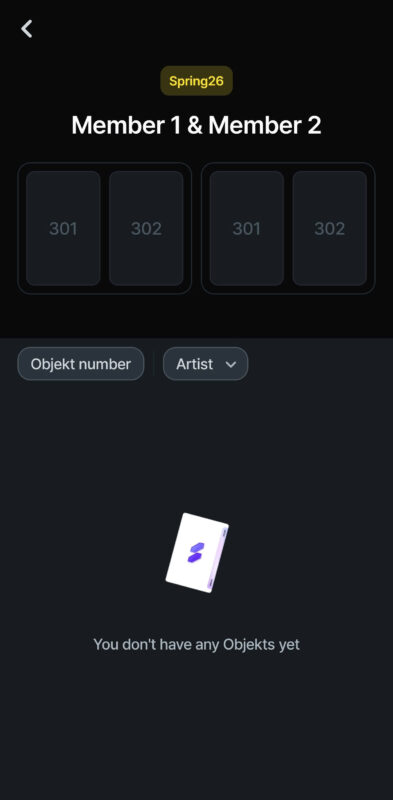
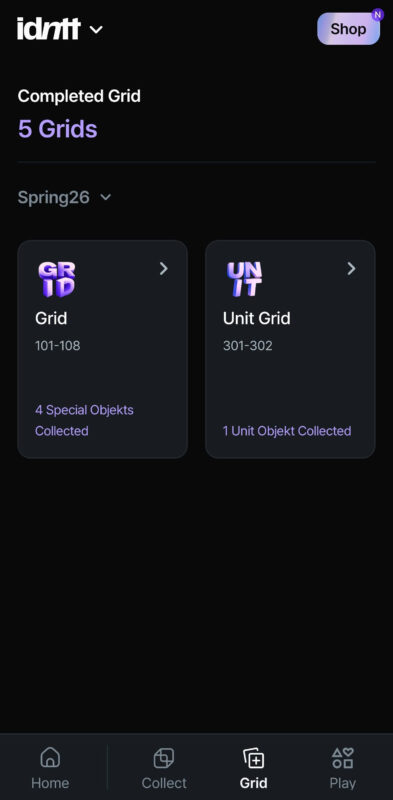
idntt STO & UTO Grid, tripleS/ARTMS 3rd edition Grid interface
Grid is a place where you can collect main Objekt of each Season to get higher type/class. idntt STO and tripleS/ARTMS 1st and 2nd edition SCO are always the same, you need 8 BTOs/FCOs to get 1 STO/SCO. tripleS/ARTMS 3rd edition SCO only need 4 FCOs so you can get SCO easier. Furthermore, idntt has exclusive Grid where you need 4 STOs of 2 members to get 1 UTO.
Play:
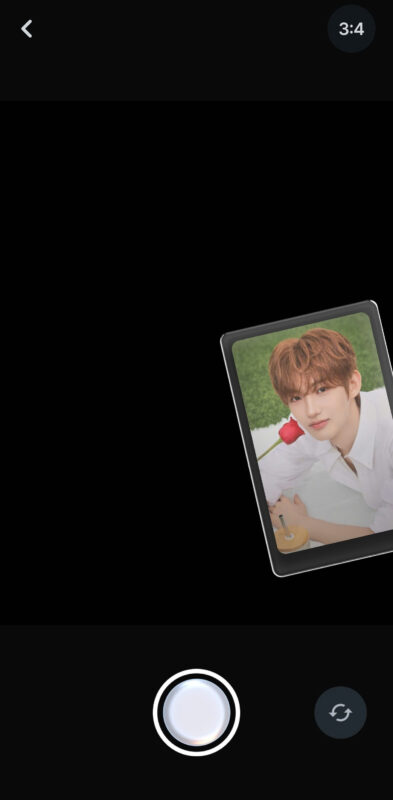
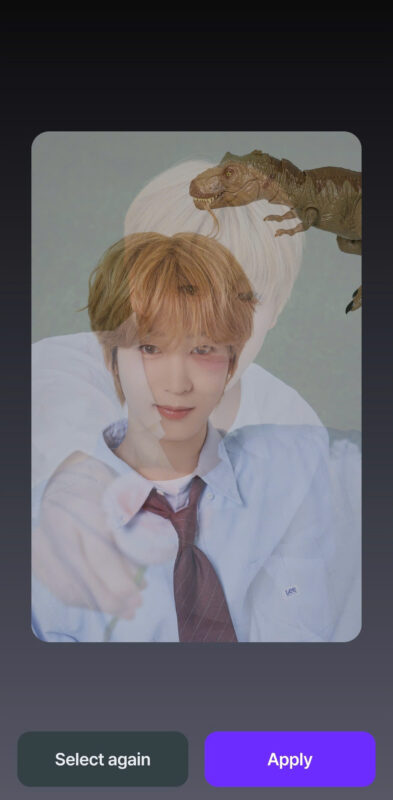
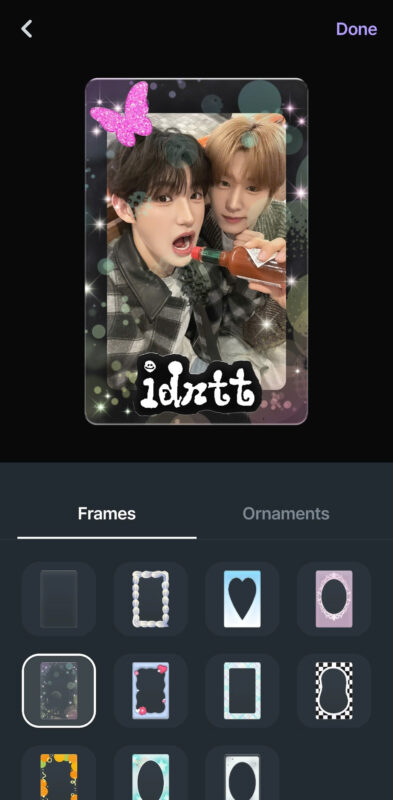
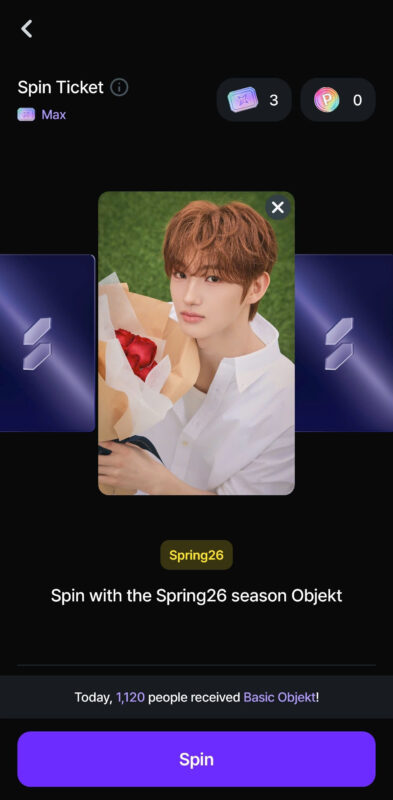
Proof Shot, Lenticular, Toploader Deco & Spin interface
– Proof Shot: Take a photo with your favorite Objekt. There is photo size and selfie switch. You can save these shots to your phone.
– Lenticular: Combine your 2 favorite Objekts that can change to each other when you tilt your phone.
– Toploader Deco: Decorate your own Toploader with your favorite frame and stickers. You can save your results to your phone.
– Spin: Exclusive game use your luck to get your own Objekt to flip 1 of 16 new Objekts which is upside down. Each Spin needs 1 Spin Ticket to play, Spin Ticket will generate each 24 hours, there is total 3 Tickets. There is a chance you can get BTO/STO/UTO (idntt), FCO/SCO/PCO (tripleS/ARTMS) or just broken Objekt. However, Objekt used for Spin will be discarded.
Room:
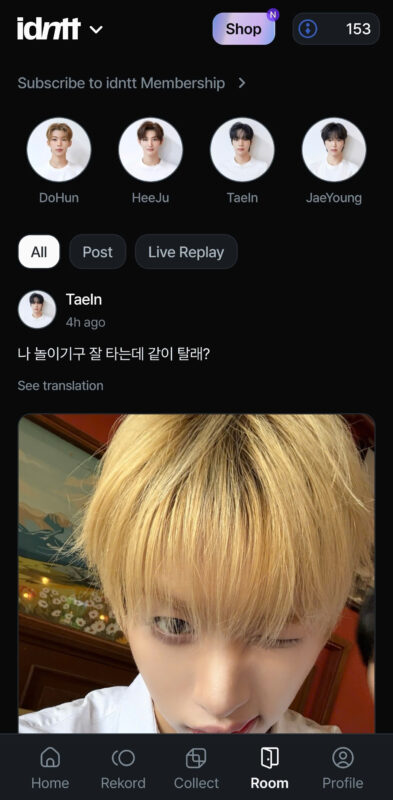
Room interface
Room is a place where you can interact with idols through post and live. Interestingly, everyone can leave a comment under idols’ post and sometimes idols will reply. Therefore, you can join every lives here. Unfortunately, you can’t comment on live or watch live replay unless you had subcribed to members. So, purchase memberships to interact with your bias.
Profile:
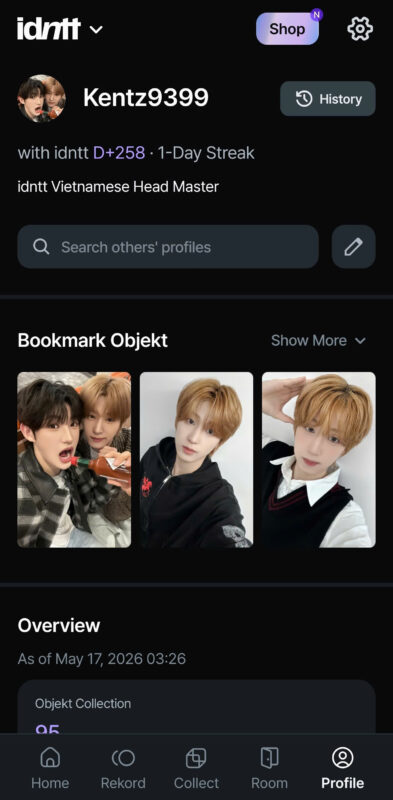
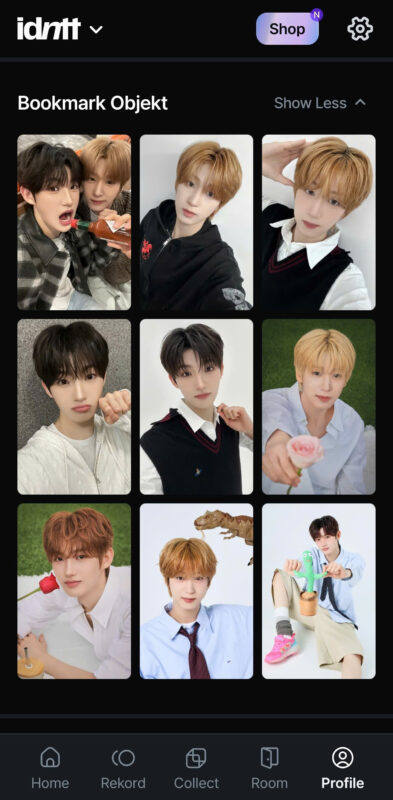
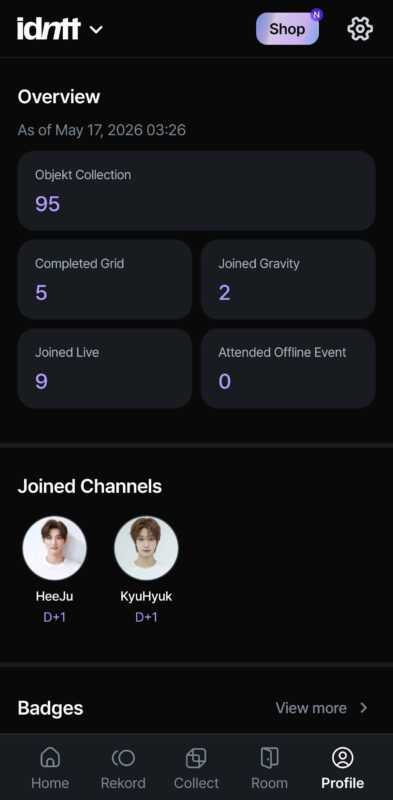
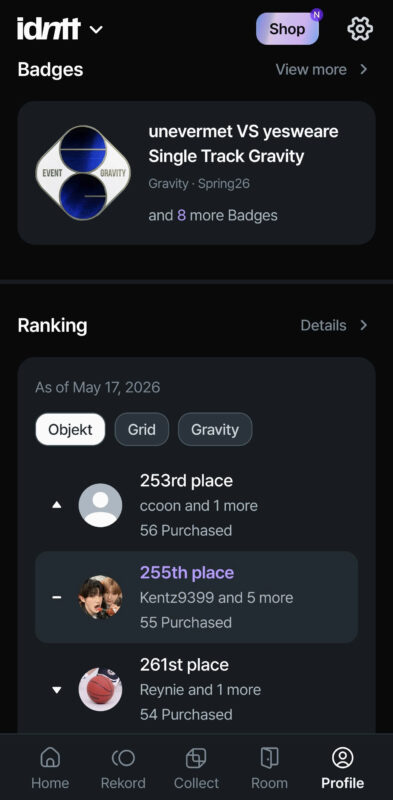
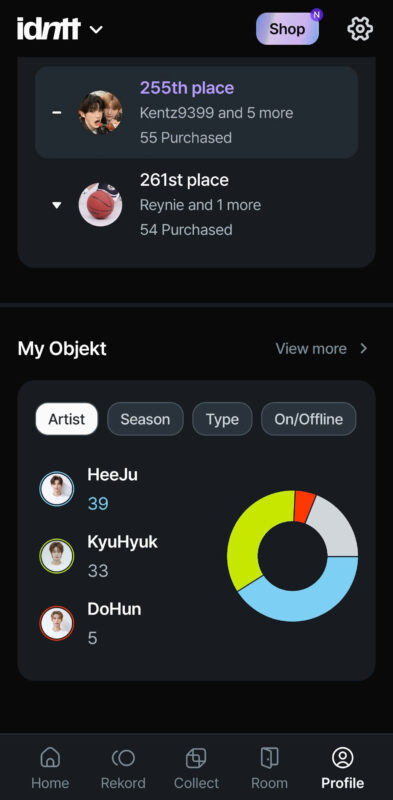
Profile, Bookmark, Overview, Badge, Ranking & My Objekt interface
– Firstly, Profile is the last tab show your all stats. You can change your avatar, your ID and your bio.
– Next, there is Bookmark Objekt you can choose from Collect tab. These Objekts will appear when you open Cosmo App.
– Then, you can see Overview of your activities on Cosmo. There is Channels which you had joined, too.
– Therefore, all your activities as collecting Objekts, sending Objekts and participating Gravities will result in Badge and Ranking.
– Finally, you can view your stats about your Objekts collection in at My Objekt.
Shop & Setting:
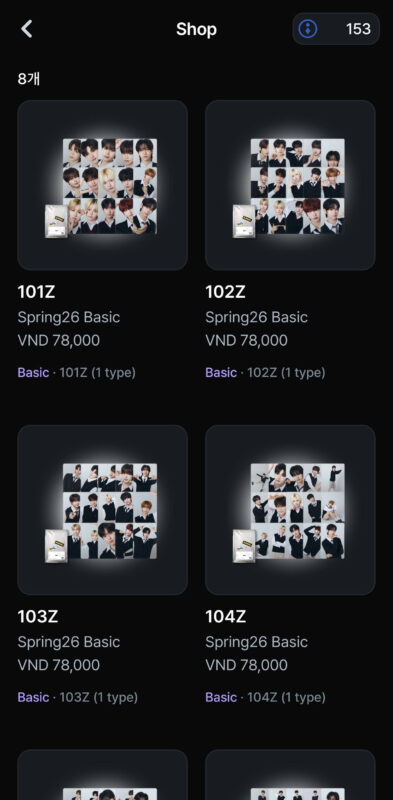
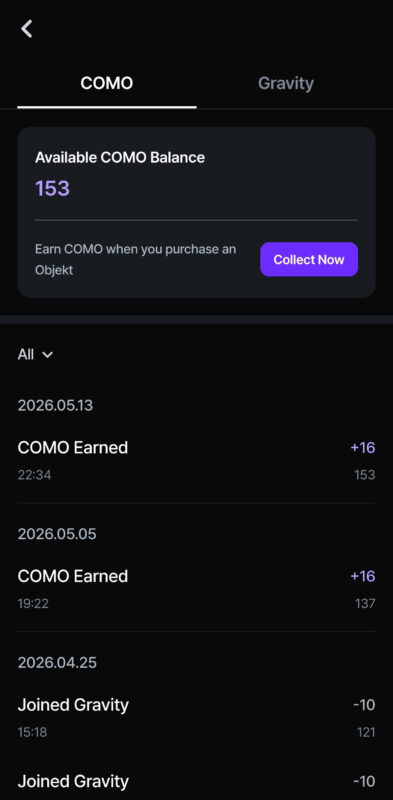
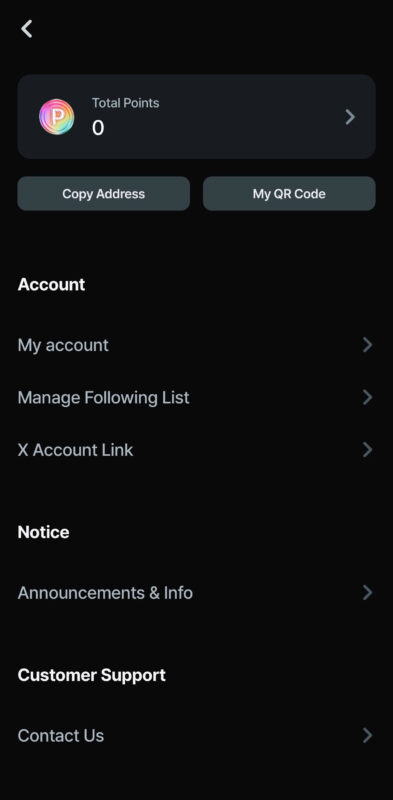
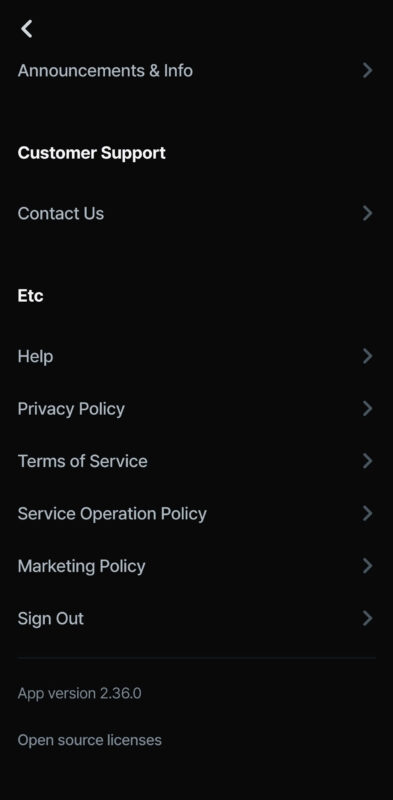
Shop, COMO history & Setting interface
– Shop is a place where you can purchase Digital Objekts. You can buy them at Cosmo Web Shop with more discount.
– Next, when you tap on your COMO quantity, you can see history of earning and spending COMO. You can view your Gravity history, too.
– Lastly, this is Setting section where you can change password or contact customer support.
Cosmo App Instructions:
Made by: Kentz9399
Related:
idntt Objekts Information and Facts
tripleS Objekts Information and Facts